The XPAND Code is a super contactless linking tool.
It works as an add-on to the QR code and has three features
It can be linked to...
No installation required
With App Clips for iOS and Instant Apps for Android, you can use the functionality of XPAND Code Reader to read codes without installing any apps on your smartphone.
How to use XPAND Code Reader [iOS]
Access https://xpand.codes/reader/ *Only available on iOS or Android.
Tap ‘Open’ on the banner at the top.
Tap ‘Open’ on the pop-up at the bottom.
Tap ‘OK’ to allow access to the camera.
Now read-enabled!
Convenient use
App Clips/Instant Apps apps are not installed on your device. You can use them only when you want to, without worrying about the capacity of your device.
Add https://xpand.codes/reader/ to your favourites. Bookmark this site in your favourites and you can start XPAND Code Reader from this page instead of installing it.
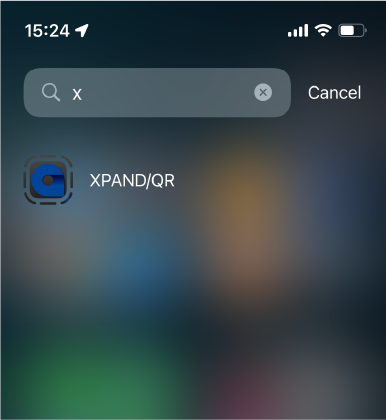
Even after you have finished using XPAND Code Reader, you can launch it from the ‘App Library’ for a certain period of time [iOS]. XPAND Code Reader can be launched for a certain period of time from the ‘App Library’, search, etc.
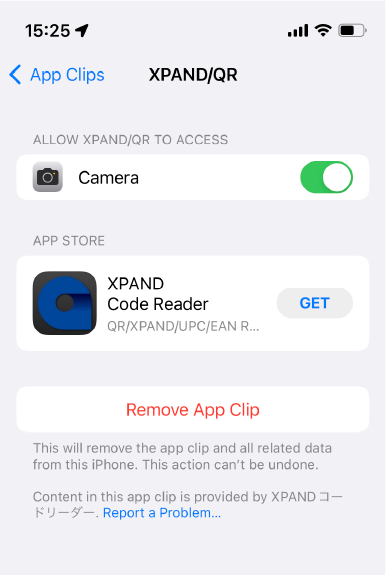
If you like it, install XPAND Code Reader!
Even if you close the application once, you can start it up again by searching for it.
XPAND Code Reader can be installed under ‘Settings’ – ‘App Clip’.